The other day I was looking for a way to edit a video without downloading anything and I stumbled upon this recommendation on Reddit, it was a page with a set of video tools, and among them the one I needed, a tool to compress a video to a certain amount of mb
But the best part, is that it was totally free and online, without paying anything nor installing, no subscription, no application. I’m under the impression that this webpage uses FFMPEG under the hood and using the (not so) new WASM technology that allow to execute binaries in the browser
Compress video down completely online
The compress video tool just need you to upload a simple video to the browser, and you can select
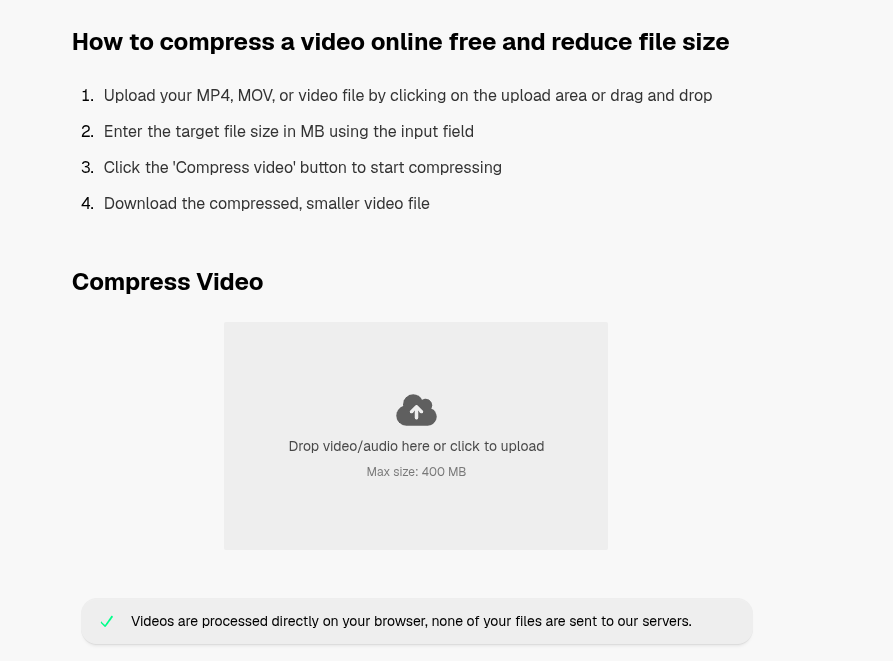
Reduce video size to certain megabytes
Once you upload the video you only need to select the target video size and click on compress video, that’s all
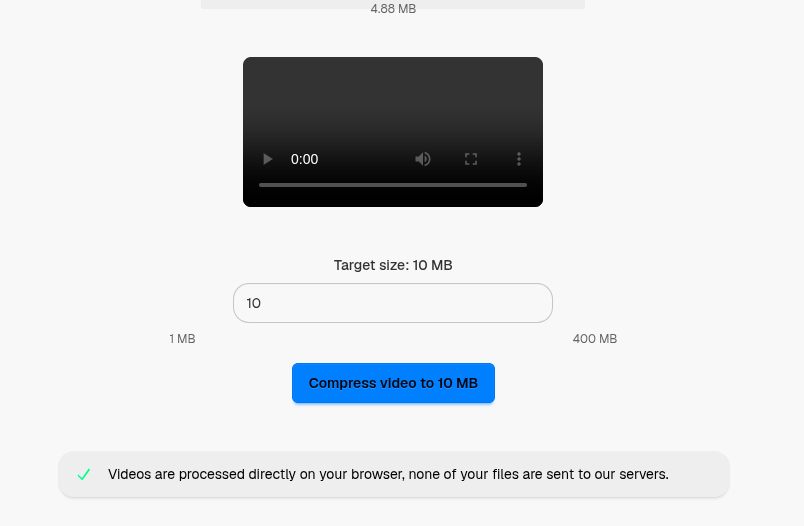
The video can take up to a while because all the processing is occurring in your browser, I double-checked that the server isn’t sending anything, so you can rest assured that your personal video information are completely safe as they never leave the browser, nice isn’t? Unlike Adobe Audio Voice Video Enhancer tools
I found many other interesting video and audio tools online
I have really high expectations for WASM and all the technologies that can be used within the browser, like the audacity for the browser,
But you can also have another tools at your disposal, like:
- Clean audio
- Compress video
- Compress mp3 audio
- Cut video
- Extract & separate audio from video
- Convert Flac to mp3
- Split video into parts
- Remove silence from video
- Stabilize video
- Crop video
- Resize video
- Add subtitles to video
- Change video speed
Make sure to give it a try if you want to edit without paying or installing anything, or if you care about privacy and don’t want your files to reach a server outside of your control.
Leave a Reply